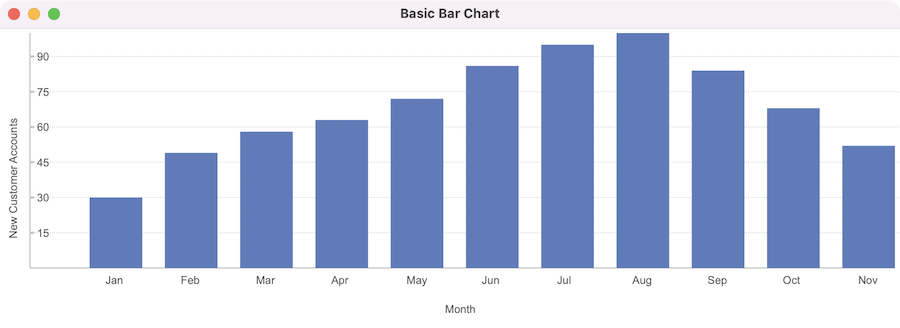
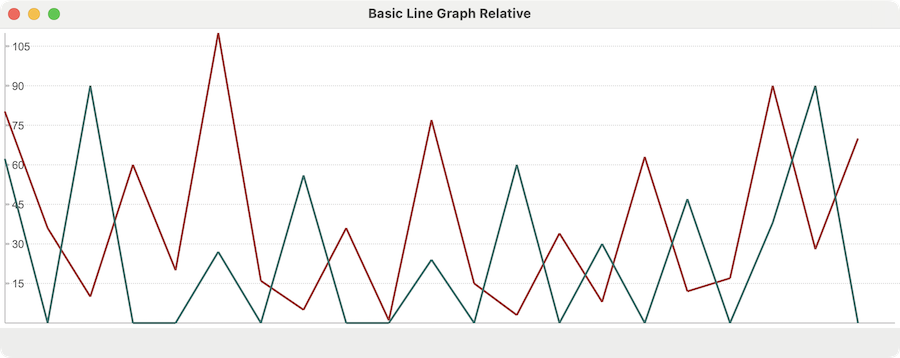
Graphs and Charts is a new library for Glimmer DSL for LibUI (Prerequisite-Free Ruby Desktop Development Cross-Platform Native GUI Library) that aims at providing Custom Controls for rendering graphs and charts. In version 0.1.1, it supports Line Graph in a new `line_graph` Custom Control for rendering lines (1 or more) connecting points with different y-axis values along a time-based x-axis.
For a quick background about Nebula, it is a collection of 55+ enterprise-grade high-quality SWT (Standard Widget Toolkit) custom widgets, including a progress circle, a password revealer, and an oscilloscope. Thanks to Glimmer DSL for SWT, they are usable from Ruby.
The support request mentioned that the text_assist custom widget was not working. It was because its Nebula implementation does not follow the SWT convention of always supporting a constructor that only takes (parent, style) arguments. This convention is actually universal in all widgets included in SWT out of the box. It is taken advantage of by Glimmer DSL for SWT to automate wiring of widgets between parents and children without having to pass arguments explicitly. The wiring is done automatically by simply nesting a child keyword (e.g. label) under a parent keyword (e.g. composite). Unfortunately, this convention is broken by the text_assist widget API, as documented in the TextAssist Nebula widget page:
“There is a big difference with other SWT widget : there is no constructor TextAssist(Composite parent, int style).
The only constructor available is public TextAssist(final Composite parent, final int style, final TextAssistContentProvider contentProvider)”
As such, nesting text_assist directly under a parent without passing arguments breaks.
The fix is very simple though. Glimmer DSL for SWT follows the 80/20 rule, which is common in Rails. That means, it automates 80% of the cases with convention over configuration for ultra-high productivity, and yet it still supports the remaining 20% of the cases (e.g. SWT widget not following API convention) through direct configuration.
In the case of the Nebula text_assist custom widget, given that its API deviates from the standard convention, you can still use it by simply passing constructor arguments for text_assist directly in order to have it work as expected by its API.
Let us demonstrate with an example.
Animated screenshot:
The shell widget (aka window) parent proxy Ruby object (wrapper of SWT Java object) is grabbed from the parent block variable (or any variable the parent is assigned to) before invoking the swt_widget method on it to grab the wrapped SWT Java object and pass it as per the expectation of the text_assist widget API (normally, all of this is done automatically for you with standard convention SWT widgets).
Remember Shoes (the old Ruby desktop gem)? One of its biggest issues was lack of simple extensibility via high quality custom widgets. On the other hand, Glimmer DSL for SWT not only supports custom widgets written in Ruby, but also supports the entire Eclipse ecosystem and custom widgets written in Java, like Nebula.
Please support the most productive desktop development framework in Ruby (including productivity benefits not found in any web framework) by building applications in Glimmer DSL for SWT (or other Glimmer GUI DSLs)!
A recent blog post mentioned that in Glimmer DSL for SWT you can data-bind a table bidirectionally in a single line of declarative code, and that this same single line of code does more now by also data-binding extra cell properties by convention in addition to their text content, such as background color, foreground color, font, and image.
Well, in the latest release of Glimmer DSL for SWT, that single line of code is ever shorter now!
So, instead of entering the following to do the table data-binding:
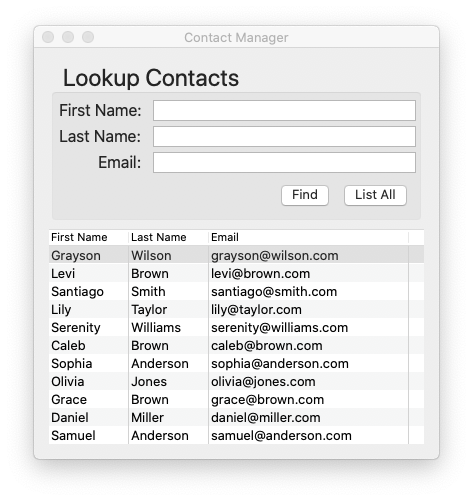
That does the same work now thanks to Convention Over Configuration. Basically, the data-binding statement will figure out the table column model attribute names automatically by convention from the table column names. That is done by assuming underscored versions of them, so for example, for column names 'First Name', 'Last Name', and 'Email', the assumed model attributes are `first_name`, `last_name`, and `email`. This idea originated in Glimmer DSL for LibUI (the CRuby equivalent of Glimmer DSL for SWT) before it got ported to Glimmer DSL for SWT.
To give you more context, including the code of the specified table column names, here is the full editable table declaration in the Glimmer GUI DSL:
table(:editable, :border) {
table_column {
text 'First Name'
width 80
}
table_column {
text 'Last Name'
width 80
}
table_column {
text 'Email'
width 200
}
items <=> [@presenter, :contacts]
}
Additionally, you can now customize attribute names only for columns that diverge from model attributes by supplying a mapping hash (instead of specifying all column attributes in an array). For example, if the `table_column` `text` is 'Email Address' instead of `Email`, then the table items (rows) data-binding declaration can map that column to the `email` model attribute, but leave the rest of the model attributes normally derived from column names by convention (e.g. `first_name` and `last_name`):
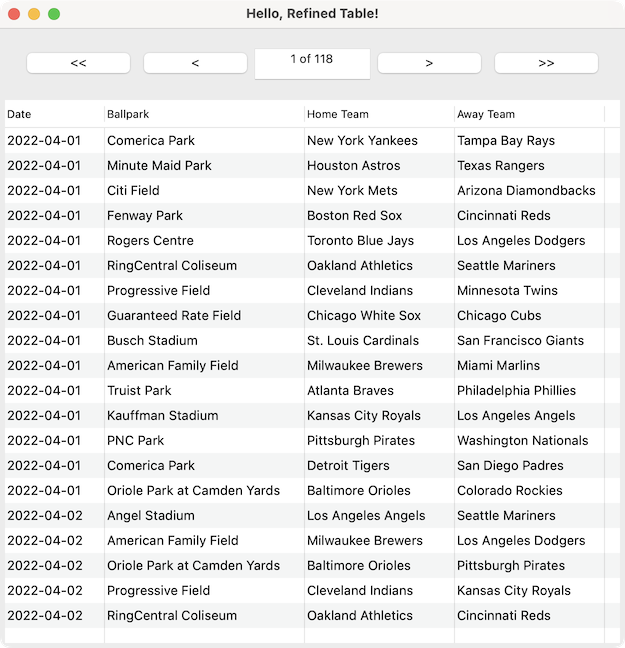
In other big news, Glimmer DSL for SWT 4.24.4.0 now ships with a brand new custom widget called `refined_table`, which enables displaying very large amounts of data by applying pagination, thus providing a more user-friendly experience for bigger tables (filtering support is coming in the future). Also, table data-binding performance has been optimized.
However, there are differences in the functionality and syntax of `refined_table` in Glimmer DSL for SWT. The page count is displayed in the same text field that displays the page number. When typing inside the text field, only the page number is needed, but it does not update the table until hitting ENTER or tabbing off / losing focus. Also, it was designed to be intentionally a drop-in replacement for `table`, so its syntax is as close as possible to that of `table`. That means, you simply use the keyword `refined_table` instead of `table`, but then continue to declare `table_column`s within it, and then you perform a data-binding, but on the `model_array` custom property instead of `items` to provide the complete master model collection and leave `refined_table` to do its own data-binding of `items` from the paginated collection of models instead of the master collection.
Glimmer was the first software library to enable declarative bidirectional data-binding of a table to a simple Presenter/Model collection with a single line of code (without using a visual designer/GUI)!
(table items [rows] are bidirectionally data-bound to the `:contacts` attribute on `@presenter` [every contact represents a row], with the columns mapped to `Contact` model properties: `first_name`, `last_name`, and `email`)
Well, I am happy to announce that the same single line of code that data-binds a table does even more now as of the latest release made yesterday! In Glimmer DSL for SWT v4.24.3.0, that line of code also data-binds the following additional table cell properties without any change to the view code:
Table cell background color
Table cell foreground color
Table cell font
Table cell image
Data-bound table row models (or presenters) can now optionally supply this data by implementing methods that match the names of the column properties by convention, but with one of the following suffixes:
`_background`
`_foreground`
`_font`
`_image`
For example, for the `first_name` property, the model can additionally implement `first_name_background`, which returns an RGB array (e.g. [24, 148, 240]) in order to set the color of the first_name cell for each model's table row to the specified RGB color. In the same way, `first_name_foreground`, `first_name_font`, and `first_name_image` can optionally be implemented too to specify their extra styling properties if needed. Of course, it would be better to implement presenters that wrap around models to provide these extra details for a cleaner separation of concerns, but I leave that to the discretion of Glimmer DSL for SWT software engineers.
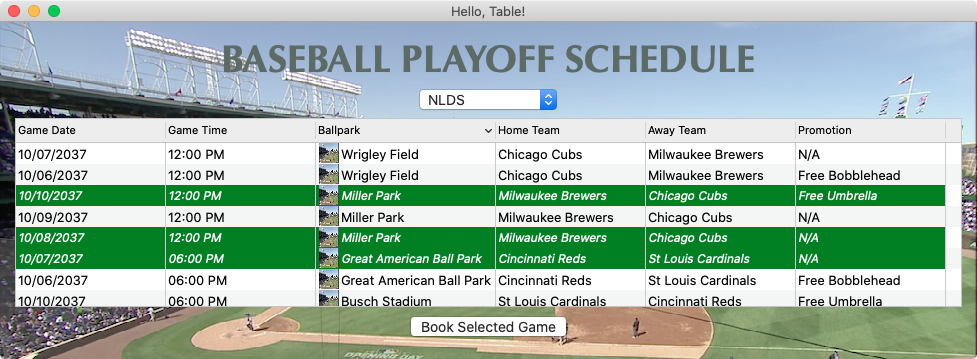
In any case, the Hello, Table! sample has been updated to reflect the new enhancements to table data-binding by coloring booked baseball game table cells green with a white foreground and an italic font:
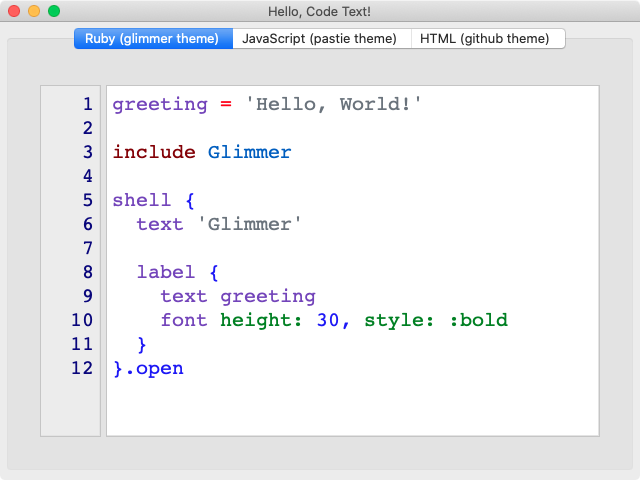
Zoom In: Bump font height up by 1 via keyboard shortcut: CMD+= on Mac and CTRL+= on Windows/Linux
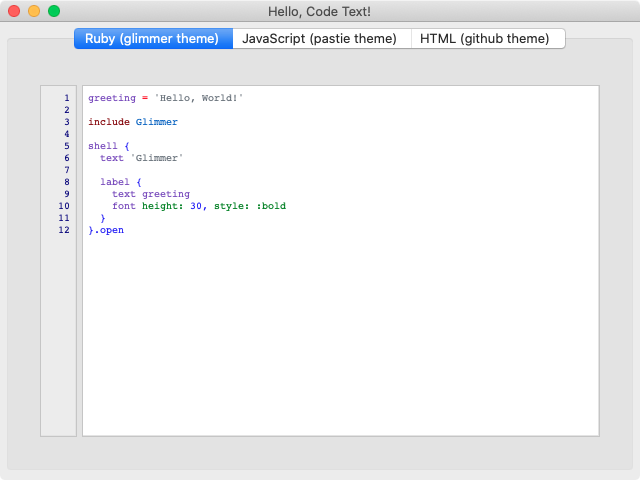
Zoom Out: Bump font height up by 1 via keyboard shortcut: CMD+- on Mac and CTRL+- on Windows/Linux
Restore Original Font Height: Restore font height to original value before performing any zoom ins or outs via keyboard shortcut: CMD+0 on Mac and CTRL+0 on Windows/Linux
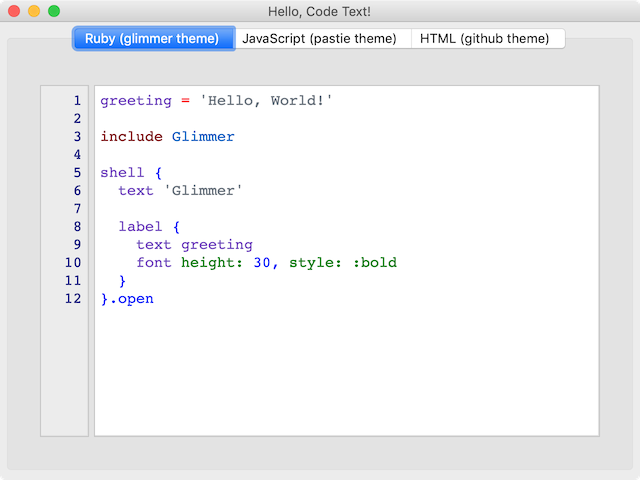
Original Hello, Code Text
Hello, Code Text with Zoom In 5 Times (via CMD+= Mac Shortcut)
Hello, Code Text with Zoom Out 5 Times (via CMD+- Mac Shortcut)
Hello, Code Text with Restore Original Font Height (via CMD+0 Mac Shortcut)
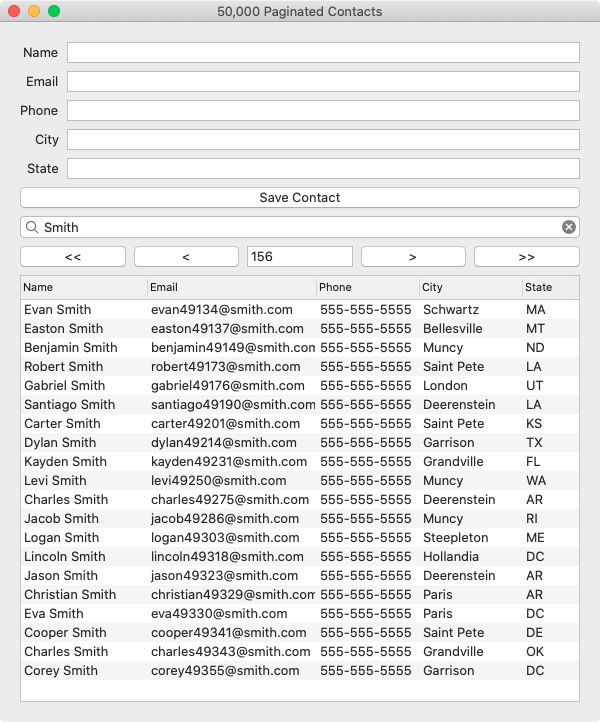
Glimmer DSL for LibUI v0.5.16 (Fukuoka Ruby 2022 Special Award Winning Free & Open-Source Ruby Desktop Development GUI Library) ships with a brand new alpha custom control called `refined_table`, which is basically a `table` control with pagination and filtering support, commonly needed in business applications. That means that it can handle tens of thousands of rows with no problem while still providing users a good user experience via pagination and filtering. Moreover, not only is filtering performance improved, but it runs against all table columns and it automatically caches results for query terms and replays results instantly for repeated queries.
A new example, Paginated Refined Table, has been included to demonstrate the new custom control with 50,000 rows of contacts.
Last but not least, the new `refined_table` custom control has been used in the Rubio Radio application to enable browsing 10,000 top radio stations with excellent performance and usability.
The Nebula Project is a collection of enterprise-grade high-quality SWT (Standard Widget Toolkit) custom widgets, which are made available for use with Glimmer DSL for SWT in this Ruby gem. They cover many different widgets, such as breadcrumbs, wizard step bars, shelf groups, geo maps, and even oscilloscopes.
Thanks to Glimmer's unique DSL Auto-Expansion feature, its GUI DSL automatically grows when new custom widget libraries are imported, even if they were originally written in Java, like the Nebula Project.
Below is the list of custom widgets newly added by the Nebula Custom Widget gem. Put to good use!
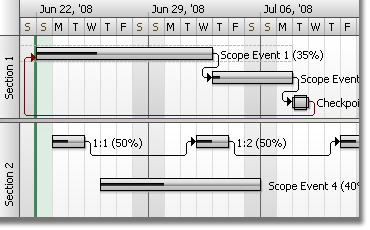
(keep in mind the caveat that I did not test every one of them in Glimmer, but I at least eased the hurdle of including them. Some of the custom widgets had been distributed piecemeal with Glimmer-style smart defaults and easier APIs than the built-in ones just like CDateTime. GanttChart has had some work to ease its use inside the AreWeThereYet project that could be extracted eventually into a piecemeal gem. In the meantime, you may contribute by testing and reporting any issues you encounter as well as solutions you may potentially work out)
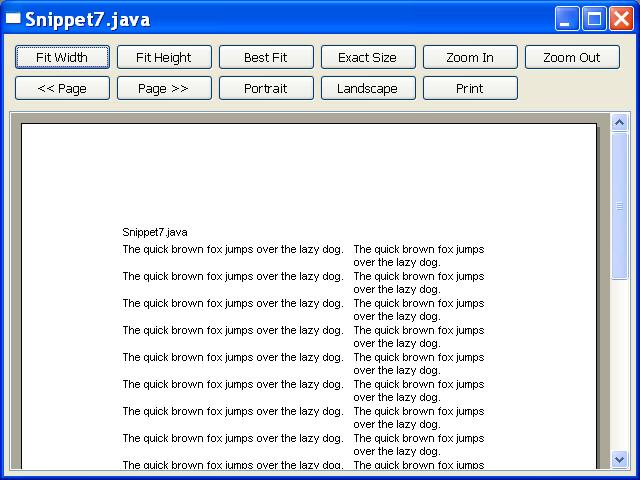
This is a richer alternative to the styled_text widget with some caveats (uses the browser widget behind the scenes).
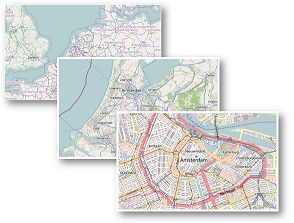
Geo Map
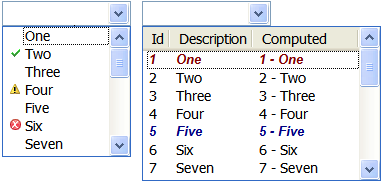
Table Combo
XViewer
This is a richer alternative to the tree widget.
Transition
Breadcrumb
Checkbox Group
Column Browser
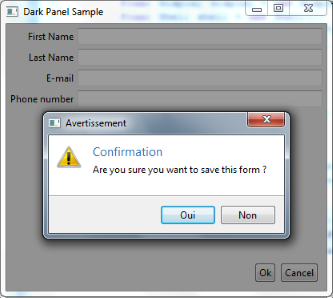
Dialog
This is a richer alternative to the built-in dialog widget.
Dual List
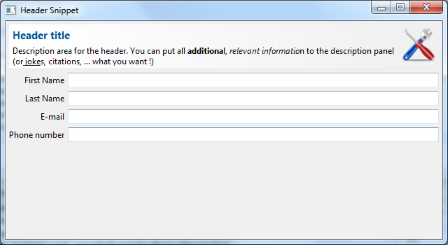
Header
Heap Manager
This shows memory usage in an application's Java Virtual Machine.
Login Dialog
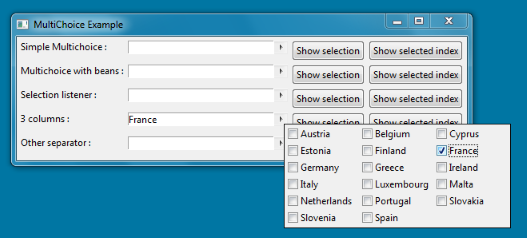
Multi Choice
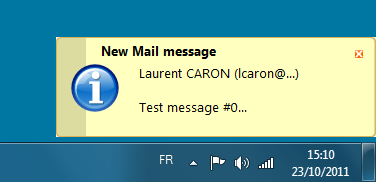
Notifier
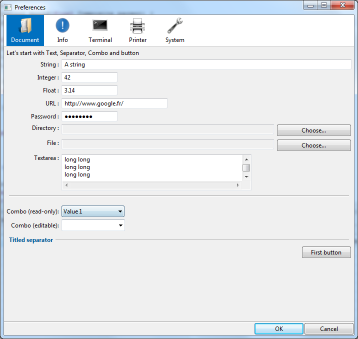
Preference Window
Prompt Support
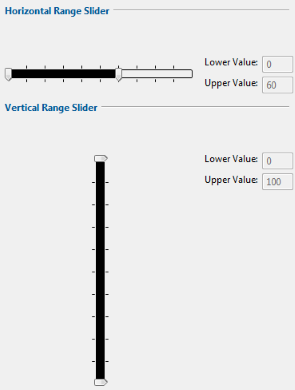
Range Slider
Rounded Toolbar
Star Rating
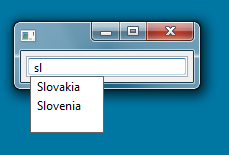
Text Assist
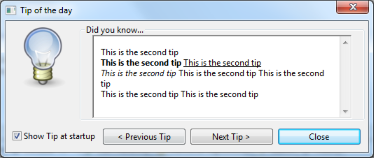
Tip of The Day
Titled Separator
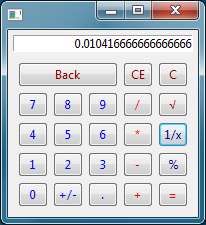
Calculator
Horizontal Spinner
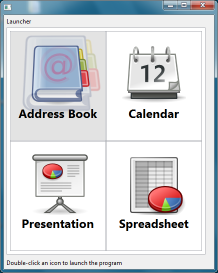
Launcher
Panels
Switch Button
Progress Circle
Nebula Slider
This is a richer alternative to the built-in slider widget.
Split Button
This is an alternative to the combo widget.
Rounded Checkbox
This is an alternative to the checkbox widget (aka check or button(:check) widget).
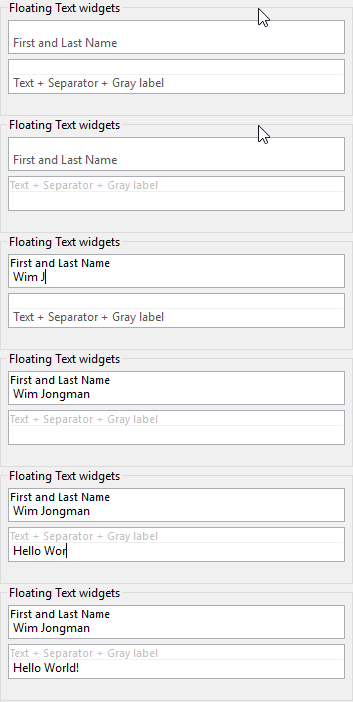
Floating Text
Password Revealer
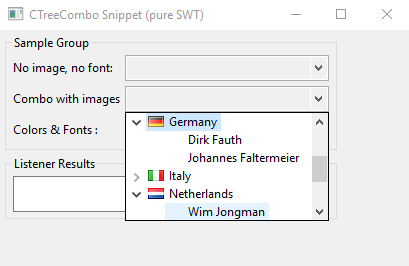
Custom Tree Combo
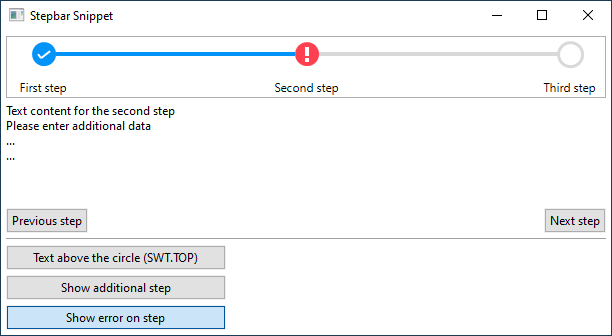
Step Bar
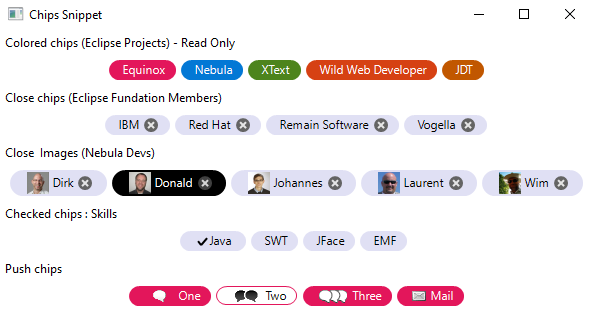
Chips
Carousel
Font Awesome
Rounded Switch
Nat Table
A higher-performant alternative to the built-in table widget.
Glimmer DSL for SWT is more than feature-complete. It is enterprise-grade-complete! As such, Glimmer absolutely outdoes its competition in the Ruby world, and I would dare say the entire desktop development world. No other GUI library comes even close to what Glimmer DSL for SWT offers in terms of productivity, readability, maintainability, and extensibility. Think of it like this! While some other libraries are still learning how to wear shoes, Glimmer DSL for SWT has learned to run, drive a car, fly an airplane, launch rockets into space, and zoom at light speed!!! The sky is the limit with Glimmer DSL for SWT. You could think up any desktop application custom widget or custom shape, and your wish is Glimmer DSL for SWT's command with the absolute minimum syntax possible! Go ahead world and make (or save) hundreds of thousands of dollars in service of others by leveraging Glimmer!
I envision Glimmer DSL for SWT to eventually have thousands if not millions of custom widget gems made by the community. As long as they follow the “glimmer-cw-name-namespace” convention, they can be discovered and listed by the “glimmer list:gems:customwidget” command automatically when needed. So, while software developers are too busy crawling in other frameworks, Glimmer DSL for SWT users and software engineers will be delivering excellent service to their customers at warp speed!