Showing posts with label Custom Shape. Show all posts

Friday, October 27, 2023

Glimmer DSL for LibUI Custom Shapes

Glimmer DSL for LibUI (Ruby Desktop Development Cross-Platform Native GUI Library) versions 0.10.1 & 0.10.0 ship with support for building and scaffolding Area Canvas Graphics Custom Shapes (with optional Gemification). Custom shapes represent higher-order graphical concepts, like `cube`, `cylinder`, and `uml_class`, that could be formed out of more rudimentary shapes like `rectangle`, `circle`, `bezier`, and `text`, to aggregate and simplify interaction with them as coarse-grained components in a desktop application. Custom Shapes improve productivity significantly through code reuse in graphical desktop applications that rely on Area Canvas Graphics, like UML Diagramming tools, Traffic Control Signalling apps, and games. When defining Custom Shapes, the Glimmer GUI DSL automatically grows with new keywords that represent new shapes like `cube`, `cylinder`, and `uml_class`. To do so, simply define classes matching the names of the shapes in standard Ruby class camelcase (e.g. `Cube`, `Cylinder`, and `UmlClass`) and mix in the `Glimmer::LibUI::CustomShape` module, and Glimmer will automatically augment its DSL with matching underscored keywords by convention (`cube`, `cylinder`, and `uml_class`). Custom Shapes enable dreaming up any aggregate visual concepts and implementing them as components in the same way we think about them.


A Custom Shape can be scaffolded inside a Glimmer DSL for LibUI application with the `glimmer "scaffold:customshape[name,namespace]"` command. 

Alternatively, a Custom Shape Gem can be scaffolded as its own separate project with the `glimmer "scaffold:gem:customshape[name,namespace]"` in order to facilitate sharing a Custom Shape across multiple desktop applications.

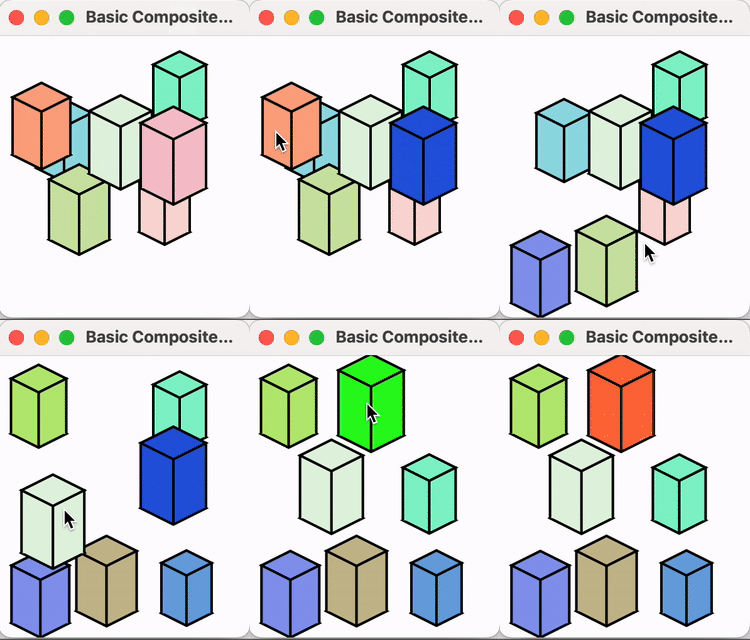
A new example was included in Glimmer DSL for LibUI called Basic Custom Shape:
Glimmer on!!!

Saturday, January 08, 2022

More Glimmer Custom Shape Gems like Cylinder and Cube

New Custom Shape Gems have been published for Glimmer DSL for SWT:


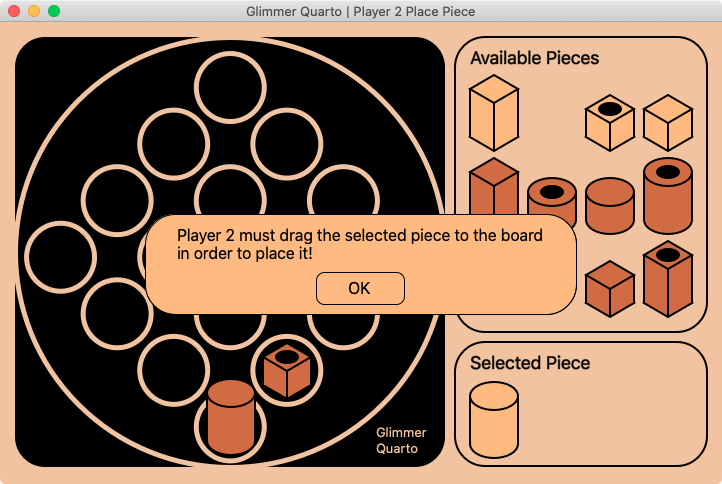
These have been extracted from the newest Glimmer DSL for SWT sample: Glimmer Quarto


Now, when you run the `glimmer` command for listing custom shape gems, you get the following:

% glimmer list:gems:customshape


  Glimmer Custom Shape Gems at rubygems.org:


       Name                    Gem               Version     Author                    Description                 


  Bevel             glimmer-cp-bevel             0.1.1     Andy Maleh   Bevel - Glimmer Custom Shape               

  Cube              glimmer-cp-cube              0.1.0     Andy Maleh   Cube - Glimmer Custom Shape                

  Cylinder          glimmer-cp-cylinder          0.1.0     Andy Maleh   Cylinder - Glimmer Custom Shape            

  Messageboxpanel   glimmer-cp-messageboxpanel   0.1.0     Andy Maleh   Message Box Panel - Glimmer Custom Shape   

  Stickfigure       glimmer-cp-stickfigure       0.1.1     Andy Maleh   Stick Figure - Glimmer Custom Shape        


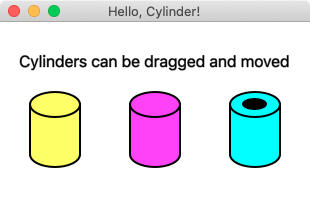
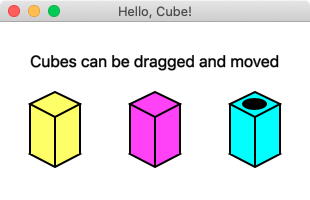
Below are Hello samples of each Custom Shape.

Happy Glimmering!


Saturday, March 13, 2021

Glimmer Gets Its First Official Custom Shape Gems

Glimmer DSL for SWT recently added support for Custom Shapes, which are reusable graphical constructs akin of Custom Widgets (reusable widget constructs). Glimmer DSL for SWT just got its first official custom shape gemsglimmer-cp-bevel, providing the `bevel` keyword, and glimmer-cp-stickfigure, providing the `stick_figure` keyword. They are covered below.

Bevel 

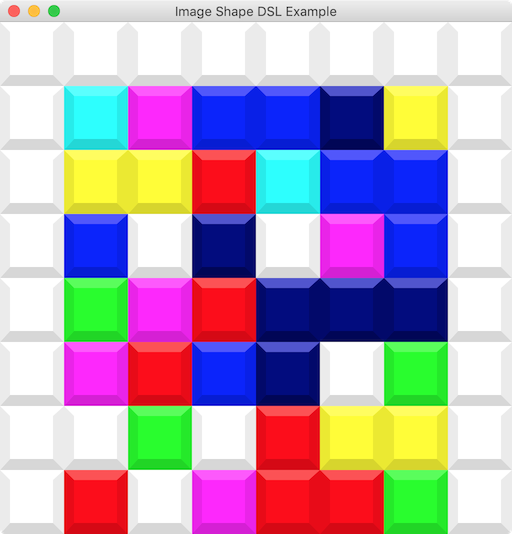
This represents a bevel square custom shape that can have various colors and sizes, and you only need to set its base color for it to figure out the rest. It is customizable via its API.


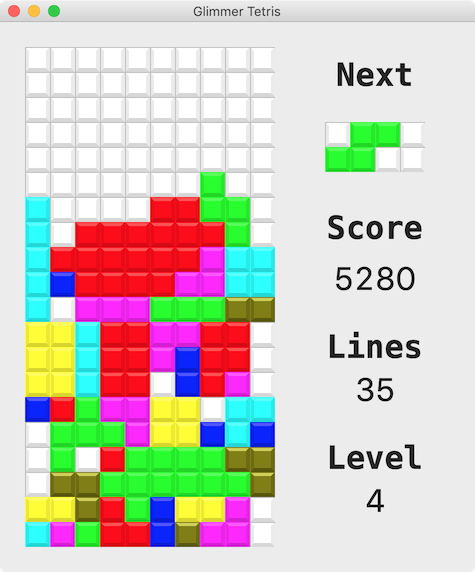
Currently used in Glimmer Tetris.


Glimmer GUI DSL Code Example:


Tetris icon image produced:


Stick Figure 

This represents a stick figure custom shape that can have colors and sizes, and you only need to set its base size for it to figure out the rest for the stick figure head, torso, arms, and legs. It is customizable via its API.

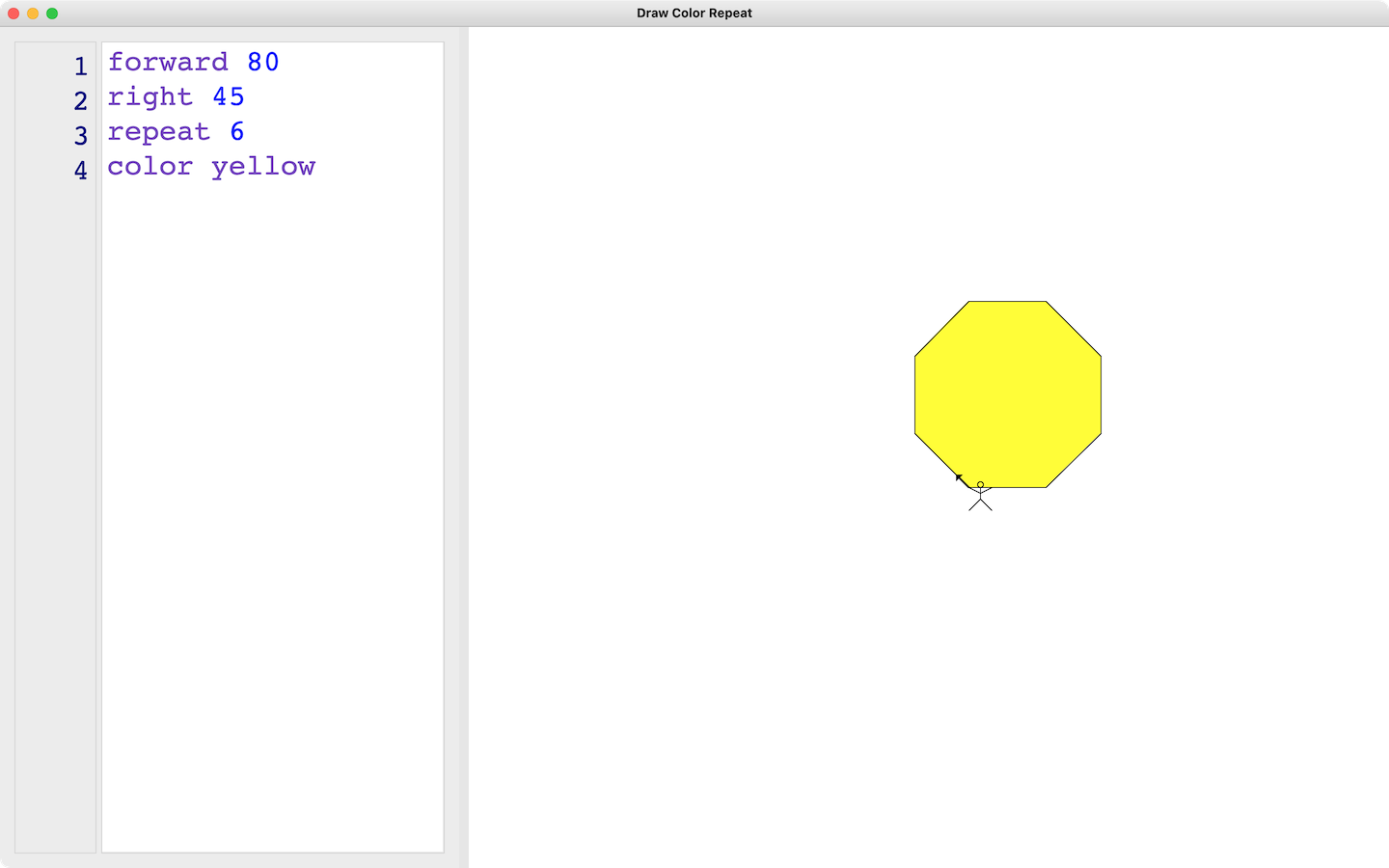
Currently used in the upcoming DCR project


Glimmer GUI DSL code for Hello, Stick Figure! Sample:

Hello, Stick Figure!

Happy Glimmering!